


The Pulsar Skill: Build a Custom Pulsar App with the AI Agent You Already Use
September 18, 2026
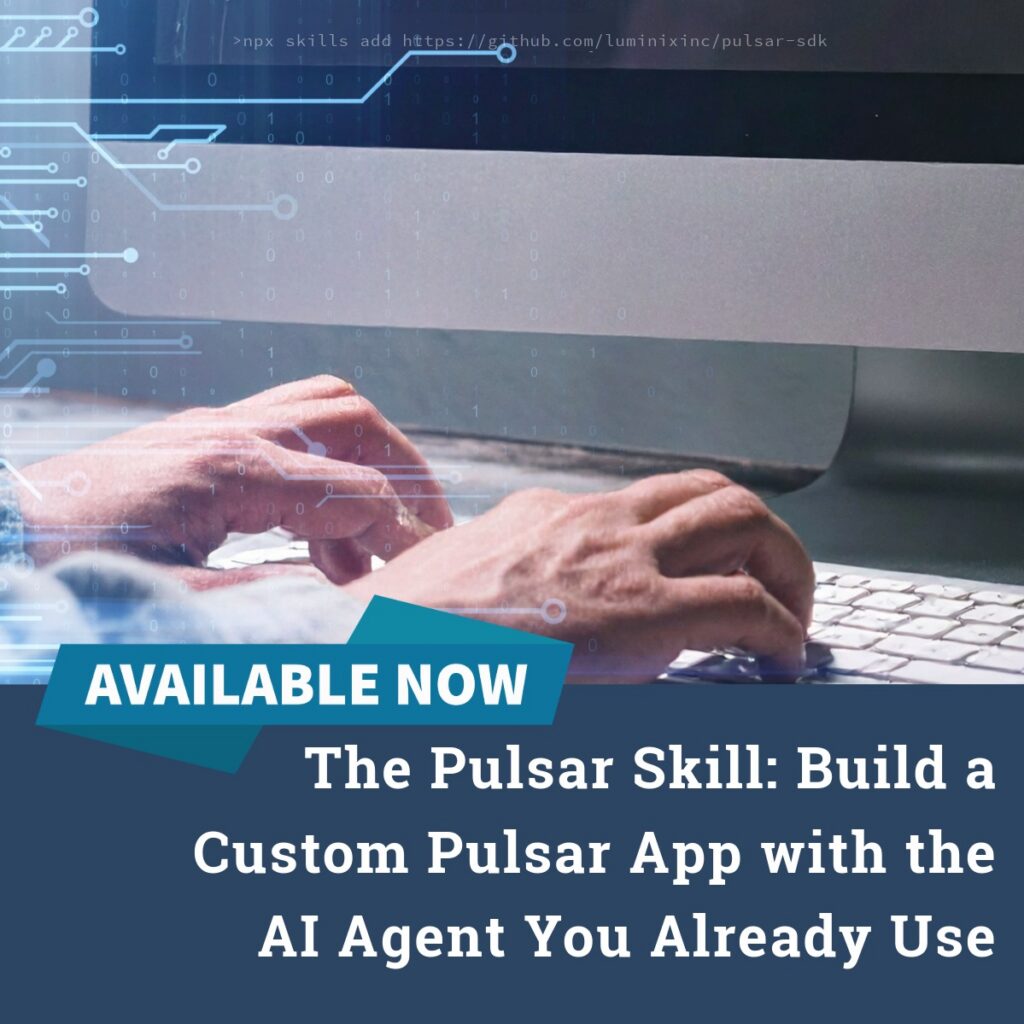
Building a custom app for the Pulsar platform used to mean writing HTML, CSS, and JavaScript by hand and learning the Pulsar JSAPI from scratch. The Pulsar Skill changes that. It packages the knowledge your AI coding agent needs to build a working Pulsar app. This knowledge includes how .pulsarapp files are structured, how to call Pulsar’s local database, and how to keep an app working offline.
For more information on Pulsar as a customization platform, read Pulsar as a Platform.
Quick Answers
What is the Pulsar Skill?
The Pulsar Skill is an installable package of instructions that teaches an AI coding agent how to build a custom Pulsar app. You install it once in your project folder with a single command, and your agent uses it to generate the files your Pulsar app needs.
Which AI agents work with the Pulsar Skill?
Any of them. The Pulsar Skill installs through the open Skills CLI, which supports Claude, ChatGPT-based agents, Gemini, and dozens of other LLM-powered coding agents. You pick the agent you already use, and the install process is the same.
Do I need to be a developer to use it?
No. You need a project folder and a coding agent, but the agent writes the code. You describe what you want your app to do in plain language, and the agent and the skill handle the implementation details.
One skill, any AI agent
The Pulsar Skill is AI model, or LLM, agnostic. It does not require Claude specifically, or ChatGPT specifically. You install it with npx skills add, an open tool for managing AI agent skills, and that tool already supports more than 40 coding agents.
In practice, that means you can build your custom Pulsar app with:
- Claude — Claude Code, or Claude in your terminal or IDE integration
- ChatGPT — OpenAI’s Codex CLI, or GitHub Copilot’s chat and agent modes
- Gemini — Google’s Gemini CLI
- Other coding agents — Cursor, Cline, Windsurf, OpenHands, and the rest of the growing list of LLM-powered agents the Skills CLI supports
If your team already has a preferred agent, or LLM, for other development work, use that one. There is no need to adopt a new tool just to build a Pulsar app.
Why this matters
A custom Pulsar app can carry your brand’s look and feel, surface exactly the fields and workflows your field teams need, and still work fully offline. Before the Pulsar Skill, getting there meant either hiring a developer familiar with the Pulsar JSAPI or spending time learning it yourself.
Now the setup is direct: log in to Pulsar, point your AI agent at a project folder, run one install command, and describe the app you want. The agent handles the code. You review it, test it inside Pulsar, and ask the agent for changes the same way you would ask it to change any other project.
Get started
The full walkthrough, including installing the skill, generating your app, and testing it inside Pulsar, is on our wiki: Using the Pulsar Skill to Build Custom Apps.
Learn more about the platform Pulsar apps are built on at Pulsar as a Platform, or reach out to our sales team (sales@luminixinc.com) to request a demo.
Follow Us for More Exciting Updates!
As we continue to innovate and enhance our software, we invite you to stay connected and be the first to know about future releases, product tips, and much more! Follow our blog to access in-depth articles, engaging tutorials, and expert perspectives that empower you to make the most of our software’s capabilities.
Connect with us on our social media channels to become part of a vibrant community of like-minded individuals. Share your experiences, provide feedback, and join the conversation as we collectively shape the future of software innovation.
Share on: